Make anything you can imagine.
One simple studio for the best AI image and video models. Type what you see in your head, pick a model, and have it in about a minute.
Free to try: 25 credits a month, no card. Plans from $7 when you want more.
in one place
finished image or clip
quick draft costs
free credits a month
Start with a picture. End with a moving shot.
Make an image, then tap Make it move. Studio animates it into a short, cinematic clip. Same person, same place, now alive.
- 1. Describe a photo and make it with Nano Banana or GPT Image.
- 2. Add a sentence about the movement you want.
- 3. Kling turns it into a five second clip.
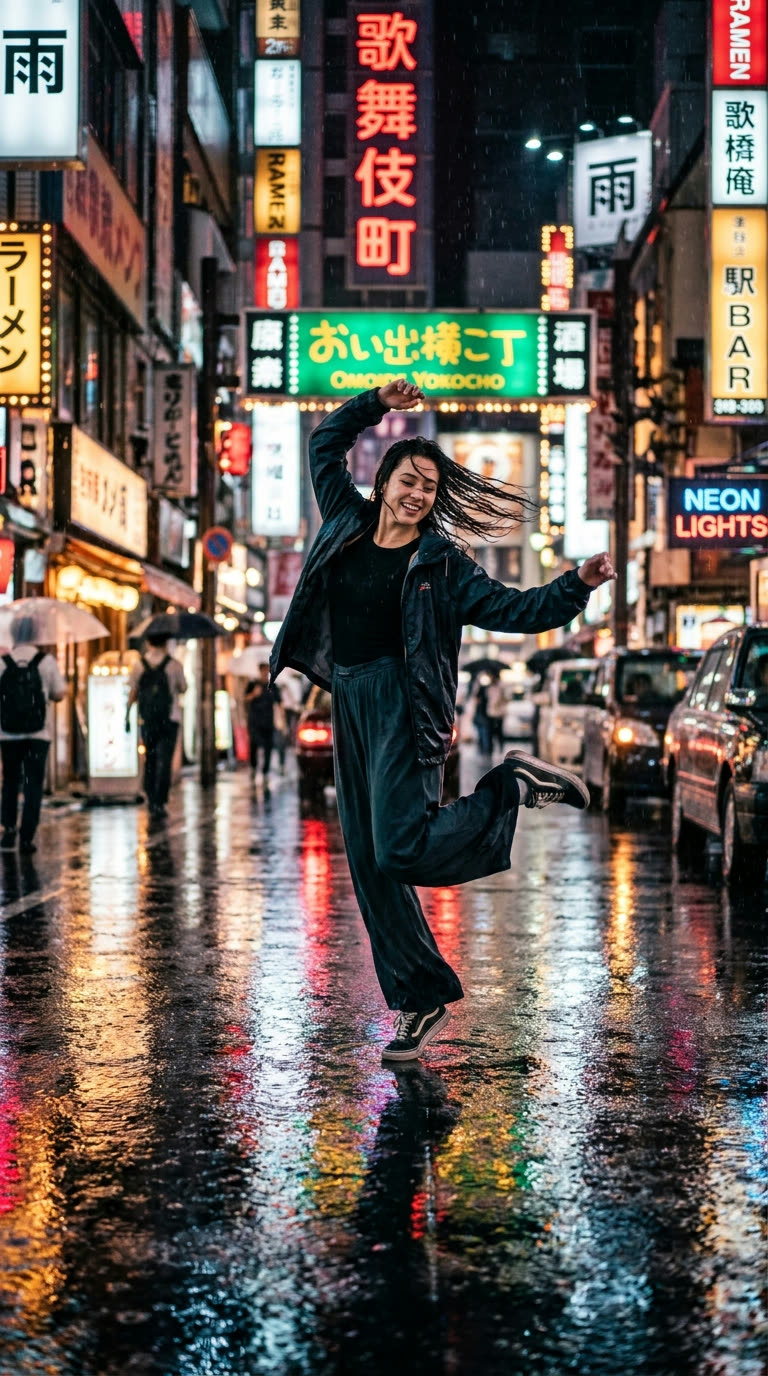
One styled photo. One moving shot.
This clip was made with Conouri Studio on Seedance, image to video. We started from the still on the left and Seedance brought the two of them to life, same outfits, same alley, same look.
Try it free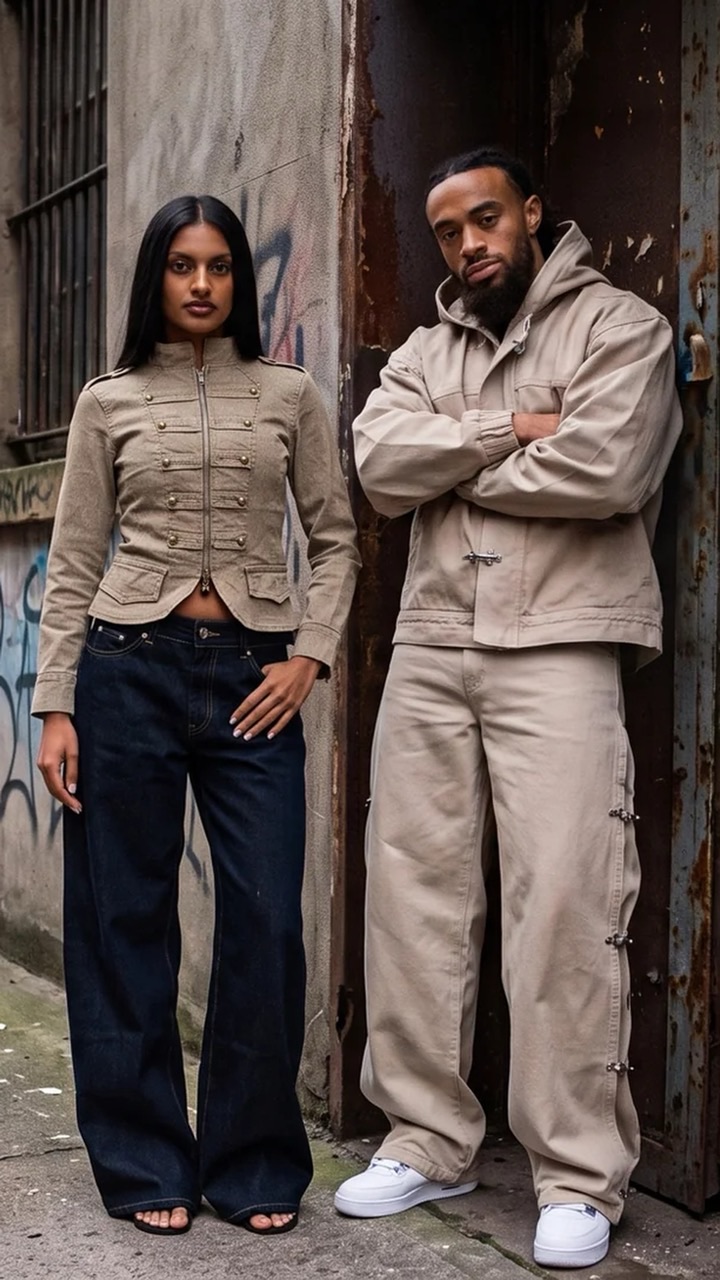
Change the lens. Change the whole shot.
This is the same pair from the clip above, now as a wide landscape shot, also made with Conouri Studio on Seedance. Same outfits, same alley, a different camera: you choose the angle and the lens.
Every one of these was made here.
Tap any tile to see the prompt behind it. No retouching, no stock footage: just a sentence and a model.
Short films, from a single sentence.
These two scenes were each made in one go with Seedance 2.5 Flash: picture, motion and sound, no camera, no crew. This is the kind of thing you can make with the studio.
Noir jiu-jitsu
Prompt: Film noir scene: two jiu-jitsu fighters grapple on the mat of a dim underground gym at night, rain streaking a high window, a single hard overhead light, slow push-in, tense and cinematic, 35mm film grain
The last waltz
Prompt: A couple dances a slow waltz in a grand empty ballroom at golden hour, the camera orbits them smoothly, dust glowing in long shafts of light, elegant period film look, shallow depth of field
Change anything in a video you already have.
Swap an outfit, a person or the whole background in a clip, and keep the motion and the sound exactly as filmed. We are building this into Studio now. Here is a real test we ran.
Video editing is not in the studio yet. This test used an open Genjutsu-style editing model, and we plan to offer object swap and character swap here, with the same credit pricing as everything else.
Three steps. No learning curve.
Describe it
Write a sentence, or add a photo you want to start from. Plain words work best.
Pick a model
Each one is good at something different. We tell you which, and what it costs before you press the button.
Download it
Your image or clip is ready in about a minute. Keep it, share it, or use it as the start of your next one.
The best ones, in one place.
You do not need separate accounts or subscriptions. Everything runs on one credit balance.
Pay for what you make.
Every plan gives you a monthly pot of credits. Use them on any model. Need more? Top up whenever you like.
Good to know.
What is a credit?
A credit is how Studio measures what a creation costs. A quick draft image is 1 credit, a standard image is about 5, and a 5 second video clip is roughly 35 to 60 credits depending on the model. You always see the price before you create.
Do unused credits roll over?
Your plan credits refill every month and do not stack up. Credits you buy as a top-up never expire and are used after your plan credits.
What happens if a creation fails?
You get your credits back automatically. You only pay for things that were made.
Can I use what I make commercially?
You own the images and videos you generate, and you can use them in your business. Please only upload photos you have the right to use, and do not make content that shows a real person without their permission.
Is this the same as Conouri ONE?
Conouri ONE is our booking page and link-in-bio tool. Studio is a separate product for making images and video, and it uses the same login. You can use either one or both.
Can I cancel any time?
Yes. Cancel from your account whenever you like, and you keep your plan until the end of the period you paid for.
Your first creations are free.
Sign up, get 25 credits, and make something in the next two minutes.
Start creating free